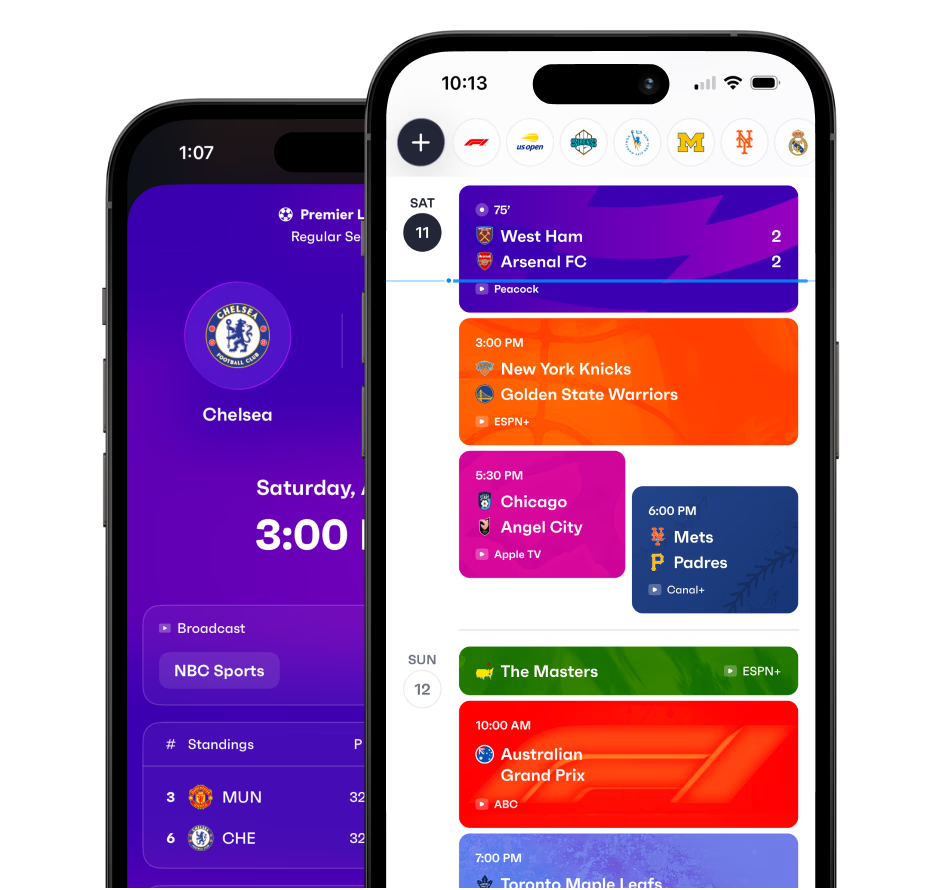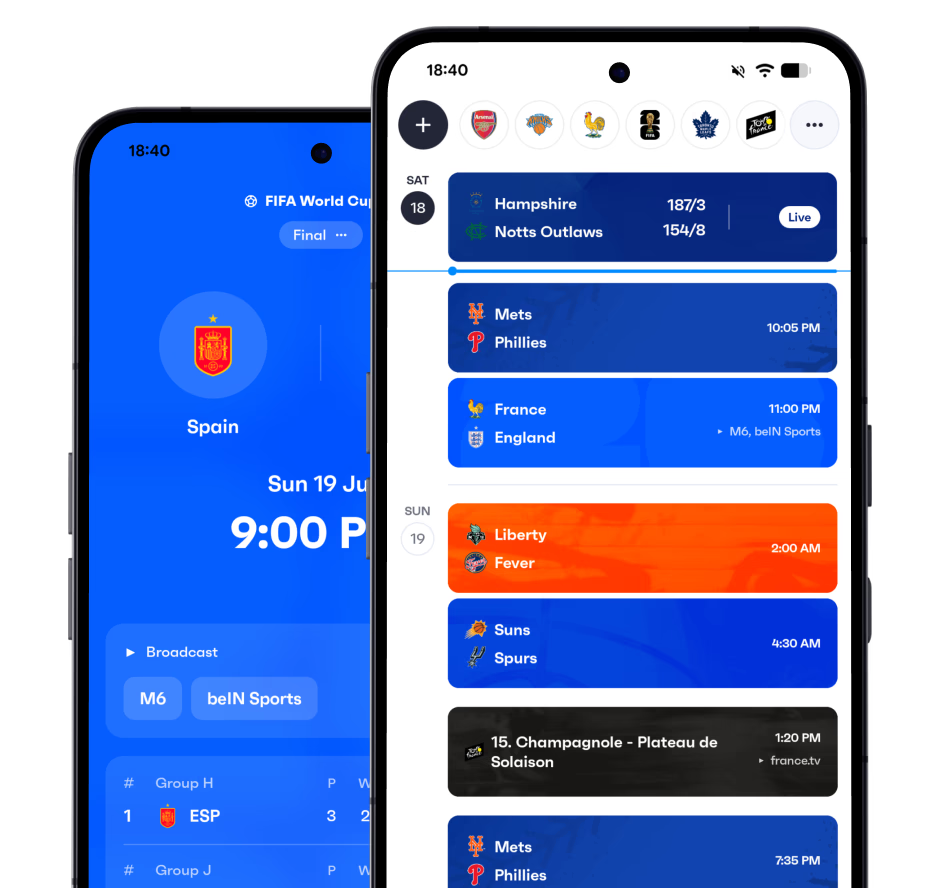
Sync Eichstätt to your calendar
Add the Eichstätt schedule to your favorite calendar app.
Frequently asked questions
- How do I add the Eichstätt schedule to Google Calendar?
- Download the Fixtured app, follow Eichstätt, then turn on calendar sync. You get a calendar you can add to Google Calendar, Apple Calendar or Outlook.
- Can I add Eichstätt games to my iPhone or Android calendar?
- Yes. Fixtured is available for iPhone and Android and works with Apple Calendar, Google Calendar and Outlook, so Eichstätt games can sit on whichever calendar you already use.
- Will new Eichstätt games be added automatically?
- Yes. Once Eichstätt is synced, new fixtures and schedule changes show up on your calendar automatically.
- Can I sync more than Eichstätt to my calendar?
- Yes. Everything you follow in Fixtured can go into a single calendar feed, and you can customise what's included.
- Is calendar sync free?
- Calendar sync is a premium feature of the Fixtured app.